MP3 Splitter - Split MP3 into Separate Tracks
Upload any MP3 and split it into clean, separate stems - vocals, drums, bass, and more - right in your browser. Our free MP3 splitter uses AI to isolate every instrument with studio-grade precision.
Advanced Stem Splitter Online
A mixed-down MP3 locks every instrument into one waveform, which makes remixing, sampling, and karaoke prep a dead end. Splitting it into individual stems changes that: mute the drums, lift the vocals, or loop the bass without touching the rest. Our stem splitter makes that separation instant, and it runs entirely online.
Precise Stem Separation
Our AI studies frequency ranges, timing, and timbre to route every sound to the right stem. Vocals stay crisp, drums stay punchy, and bass stays tight - with minimal bleed between tracks.
Online Accessibility
No downloads, no plugins, no account walls. The splitter runs in your browser on any platform, so you can separate stems the moment an idea strikes - at the studio, in class, or on the go.
High-Quality Output
Separated stems are exported at full audio quality, ready for your DAW, video editor, or DJ software. What you download is exactly what our AI reconstructed - nothing downscaled.
Split Any Song into Stems in Seconds
Whether it is a favorite album track, a podcast recording, or your own demo, our MP3 splitter handles it the same way: upload, let the AI work, download the stems. Most songs are fully separated in under a minute, so you spend your time creating - not waiting.
Simple Steps to Split MP3
0/500
Your music will appear here
Enter a description and click Generate to create AI music.
Upload Your Audio
Drop in an MP3 from your device or cloud storage. The splitter also accepts WAV, FLAC, and other common formats, and loads your file in seconds.
AI Separation
Our AI model analyzes the mix and separates it into individual stems - vocals, drums, bass, and instruments - while preserving the original timing and pitch.
Download Your Stems
Preview each separated stem, then export them individually or all at once, ready to drop into any DAW, sampler, or video project.
Experience Seamless Audio Separation
Separation is only the beginning. Once vocals, drums, and bass live on their own stems, you can build a karaoke track in one click, pull a drum loop for a beat, or rebalance a mix for a clearer podcast intro - all in the same browser session.
Powerful Mp3 Splitter Features
Fast Processing
Optimized AI inference separates a full song in seconds, not minutes. Batch-friendly speed means you can split an entire setlist back-to-back without babysitting progress bars.
Discover the Best Way to Isolate Audio Tracks
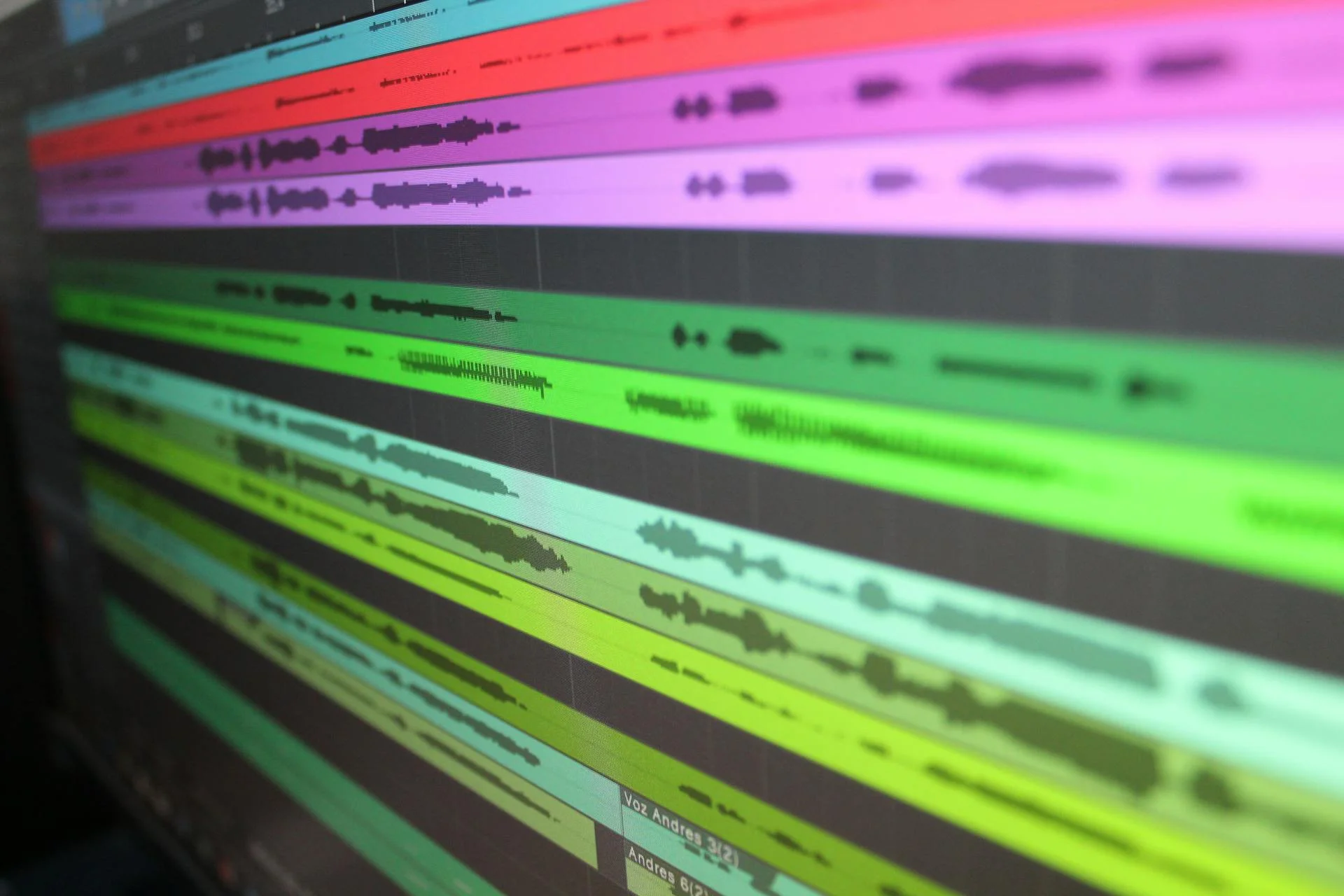
From removing vocals for karaoke to sampling a bassline for your next beat, isolating audio tracks is the fastest way to unlock new material from music you already love. Try the MP3 splitter above and hear every layer of your track, cleanly separated and ready to reuse.
Frequently Asked Questions
What is the best online Mp3 Separator?
The best online MP3 separator combines AI accuracy with speed and zero installation. Our splitter analyzes the full mix before separating, so vocals, drums, bass, and instruments each land on their own clean stem - free, right in your browser.
Can I use the AI Mp3 Splitter for free?
Yes. Splitting MP3 files into separate stems is free here, including preview and download. Paid plans only add AI generation credits and advanced features, never basic stem splitting.
How does the Mp3 Splitter ensure audio quality?
The AI model is trained on isolated sources, so it reconstructs each stem instead of crudely cutting frequencies. Stems keep the original sample rate and timing, and you can preview every track before downloading.
Is my uploaded music secure with your Mp3 Separator?
Yes. Your files are processed securely, are never shared with third parties, and are automatically deleted after processing. You keep full ownership of everything you upload and every stem you download.
What types of files can I use with this online Mp3 Splitter?
The splitter works with MP3 as well as common formats like WAV, FLAC, M4A, and OGG. Separated stems are exported as high-quality audio files that open cleanly in any DAW or editor.
Ready to Split Your Music
Stop settling for flat, mixed-down tracks. Upload an MP3, let the AI split it into clean stems, and download your separated audio in seconds - free, right in your browser.