AI Instrumental Remover - Extract Vocals Instantly
Upload any song and let our AI instrumental remover split it into clean vocals and instrumentals in minutes. Perfect for a cappella covers, sampling, remixes, and karaoke — no software to install, no experience needed.
The Ultimate Online Vocal Remover
Every editor, producer, and singer eventually needs to pull a song apart. Maybe you want the vocal for an a cappella cover, the instrumental for a remix, or both for sampling. Downloading questionable stem packs or paying for studio separation is slow and unreliable. Our online instrumental remover changes that: upload your track, and the AI separates vocals from instrumentals in minutes — right in your browser, free to start.
Remove Vocals from Any Song Instantly with AI
0/500
Your music will appear here
Enter a description and click Generate to create AI music.
Upload Your Track
Drop in an MP3, WAV, or FLAC file, or paste a link to the song you want to process. The upload takes seconds — no account setup required to start.
AI Processes Instantly
The AI instrumental remover analyzes your song and splits it into vocal and instrumental stems, preserving the original tempo and quality of the recording.
Download Your Stems
Preview both stems, then download the vocal or the instrumental in high-quality audio. Your separated tracks are ready for covers, remixes, or karaoke nights.
Easy Audio Separation
Lightning-Fast Separation
A three-minute song is fully separated in well under a minute. The AI runs on optimized servers, so you spend your time creating — not waiting on renders.
High-Quality Output
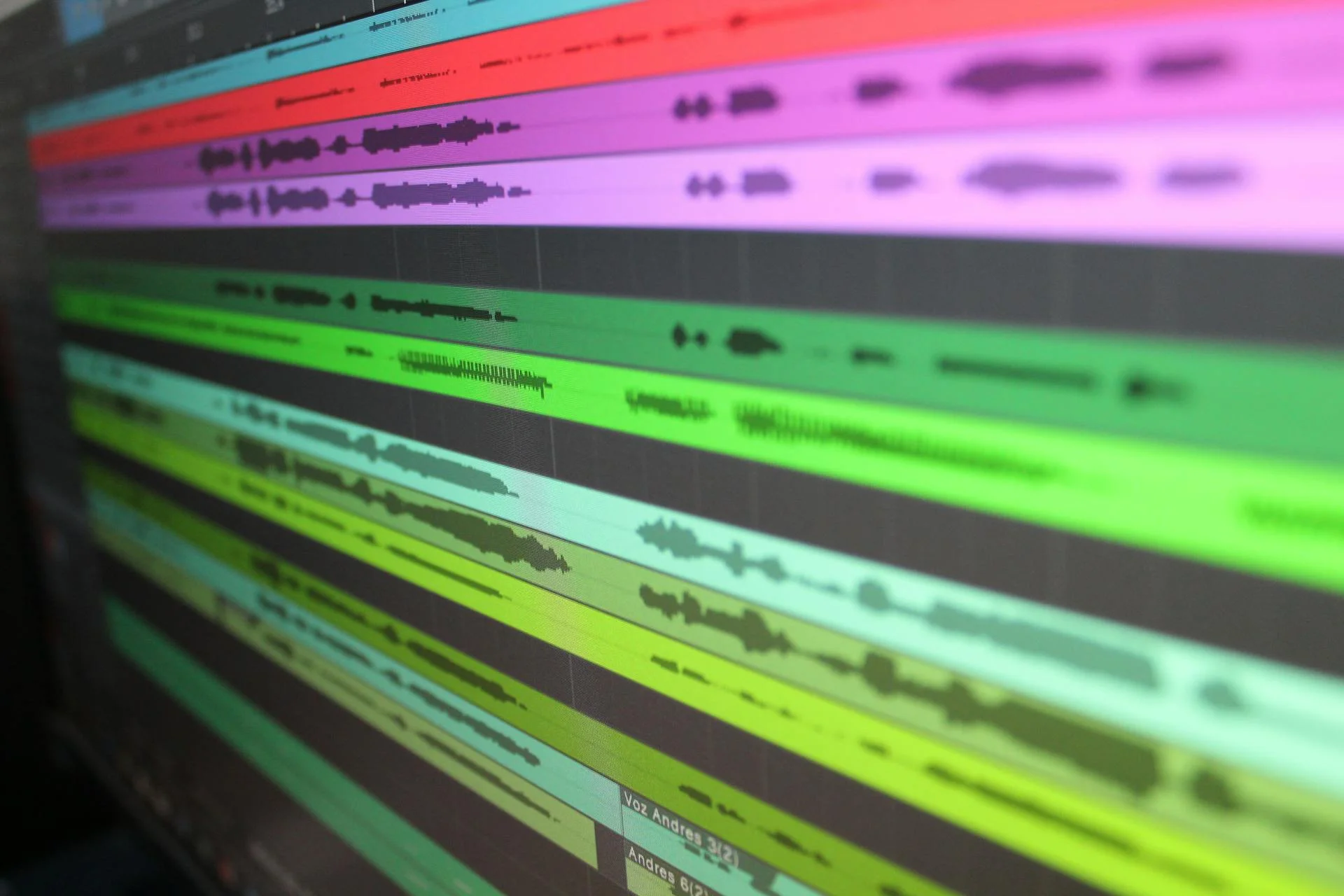
Stems come out clean and balanced, with minimal bleed between vocals and instruments. The result holds up in headphones, on speakers, and in your DAW.
Get Your Vocals with Instrumental Remover
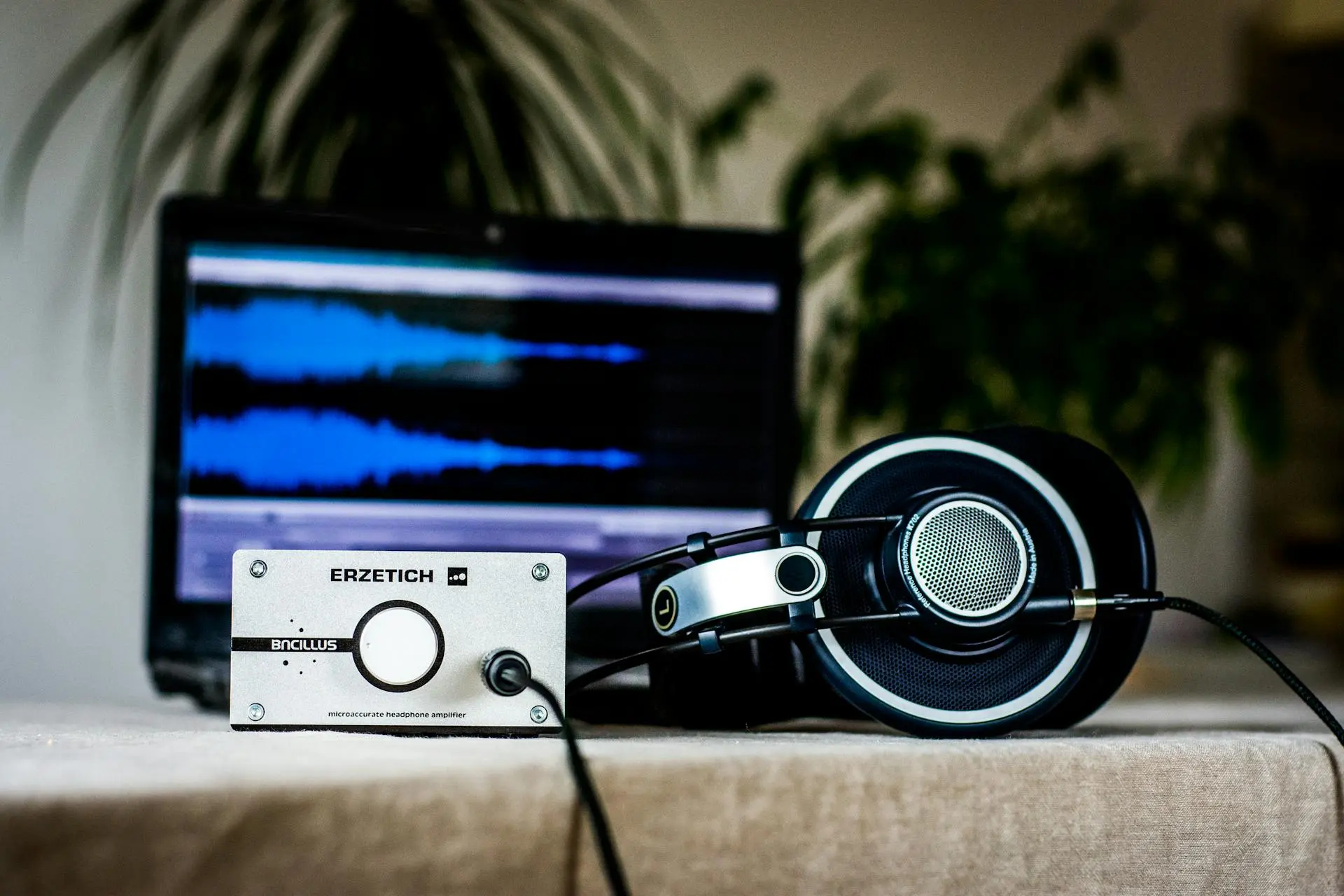
Singers and content creators use the extracted vocal stem to practice, transcribe, or build a cappella covers over new arrangements. Because the AI isolates the voice from the full mix, you can study phrasing and breath control exactly as performed — then layer the vocal over your own instrumental for a fresh take on any song.
Powerful Audio Separation Features
Multi-Track Extraction
Beyond vocals and instrumentals, the AI distinguishes drums, bass, and other instruments — giving you the stems you need for sampling, mashups, and detailed remix work.
User-Friendly Interface
No timeline editing, no plugin chains, no learning curve. One upload box, one button, and your separated stems are ready to preview and download.
Unlock Creative Potential with Our Instrumental Remover
A clean instrumental turns any song into a karaoke track, a remix template, or backing music for your own vocals. A clean vocal becomes a sample pack, a study reference, or the starting point for an a cappella arrangement. With both stems in hand from any song in your library, nothing limits how you reuse and reimagine the music you love — royalty-free for your projects under our terms.
Frequently Asked Questions
What is an instrumental extractor and how does it work?
An instrumental extractor is an AI tool that separates the instrumental part of a song from the vocals. It is trained on thousands of mixed tracks, so it recognizes vocal frequencies and removes them from the instrumental stem — or isolates them into a separate vocal stem — while keeping the music intact.
Is the AI Instrumental Remover free to use?
Yes, you can start for free. The free tier lets you separate and download stems from your songs without paying. Paid plans unlock longer tracks, faster processing, and full commercial licensing for the separated audio.
Can I download the separated tracks?
Yes. Once processing finishes, you can preview and download both the vocal and instrumental stems in high-quality audio, ready to drop into your video editor, DAW, or karaoke setup.
What kind of audio files does MusicCreator support for instrumental removal?
MusicCreator supports the most common formats, including MP3, WAV, FLAC, and M4A, for both upload and download. You can also paste a streaming link and the remover will fetch the song for you.
Are the separated tracks royalty-free for commercial use?
Stems you separate from songs you own or have rights to are yours to use, including commercially, under our terms. If you plan to release a remix or cover commercially, make sure you also have the underlying song rights or a sync license.
Ready to Extract Vocals from Your First Song?
Your next karaoke track or remix starts here. Upload a song, let the AI split it, and download clean vocals and instrumentals in minutes — free to try.