Separate Music Tracks with MIDI Splitter
Upload a multi-track MIDI file and split it into clean, separate instrument tracks right in your browser. Our free MIDI splitter isolates drums, bass, melody, and more for editing and remixing.
Who Benefits from MIDI Splitting
A multi-track MIDI file is a bundle of every instrument at once, which makes targeted editing nearly impossible. Splitting it into individual tracks changes that: mute, replace, or rework one part without touching the rest. Our MIDI splitter makes that separation instant, and it runs entirely online.
Music Producers & Remixers
Pull drums, basslines, and melodies out of any MIDI file and rebuild them into your own arrangement. Clean stems mean cleaner remixes, faster sample flips, and no manual note hunting.
Composers & Songwriters
Export the chord bed, the lead line, or the rhythm section as standalone MIDI tracks, then develop each part on its own in your DAW or notation software.
Educators & Students
Break a full arrangement into separate instrument parts for classroom analysis, practice-along tracks, and arrangement exercises - no DAW license or installation required.
Who Needs Advanced MIDI Track Separation
Anyone working with borrowed MIDI, collaborator stems, or AI-generated files runs into the same wall: everything lives on a few crowded tracks. Advanced track separation gives every instrument its own lane, so arrangement fixes, part swaps, and mix prep stop being archaeology projects.
Simple MIDI Splitting Process
0/500
Your music will appear here
Enter a description and click Generate to create AI music.
Upload Your Audio
Drop in a multi-track MIDI file from your device or cloud storage. The splitter accepts standard MIDI formats and loads your file in seconds.
Process & Split
Our AI analyzes channels, instruments, and note ranges, then separates the file into individual tracks - drums, bass, keys, lead, and more.
Download MIDI Files
Preview each separated track, then export them as standard MIDI files that open cleanly in any DAW, plugin, or hardware instrument.
Transform Your Audio into Editable MIDI Tracks
Separation is only the beginning. Once every instrument sits on its own MIDI track, you can transpose the bass without dragging the melody along, quantize the drums without stiffening the keys, and hand each part to a different virtual instrument - all in the same browser session.
Powerful MIDI Splitter Features
Multi-Track Separation
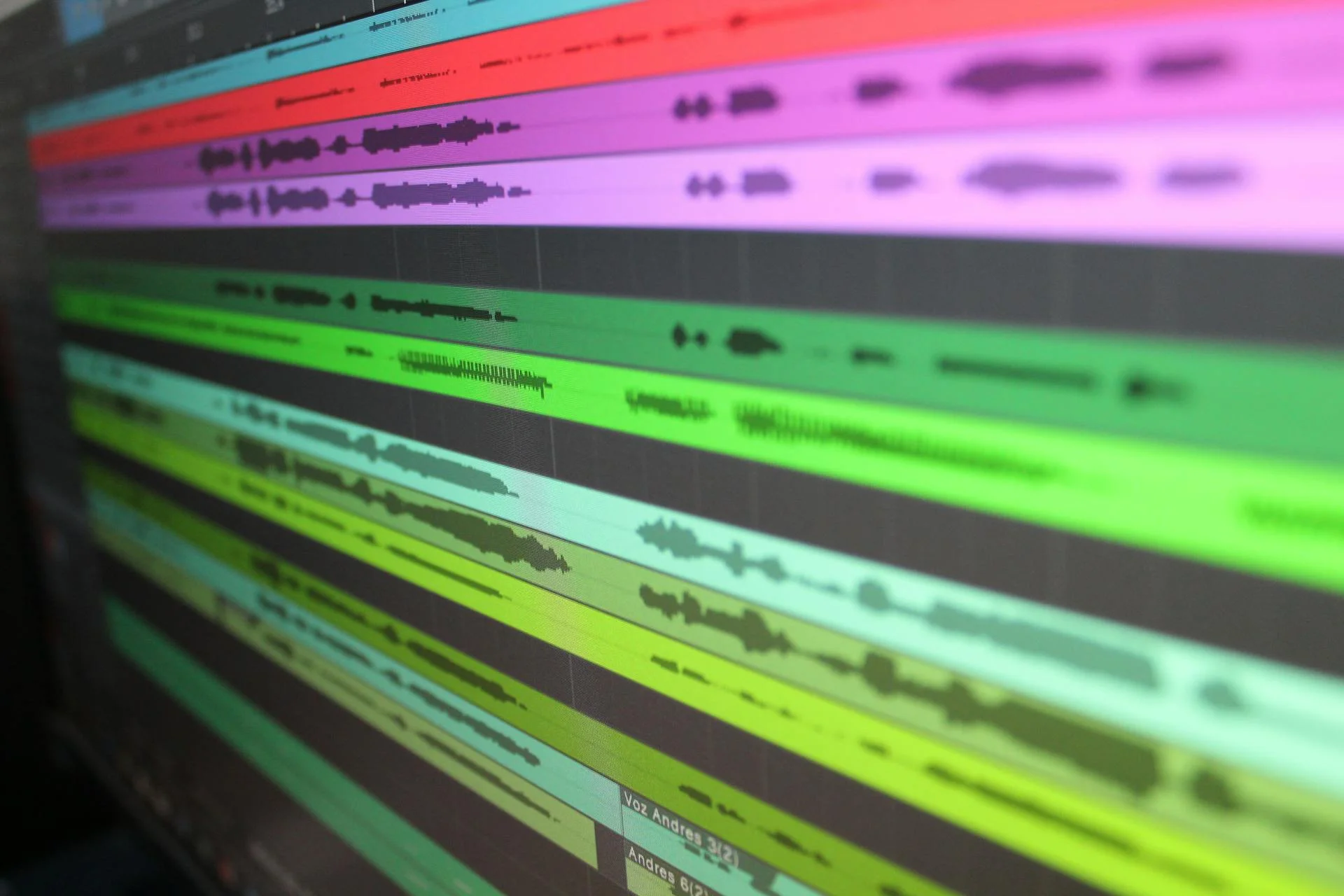
Split a single MIDI file into as many individual instrument tracks as it contains. Every note keeps its original timing, velocity, and expression, so nothing is lost in the split.
High Accuracy AI
An AI model trained on channel data, instrument programs, and note patterns routes every event to the right track. The result is separation that holds up in a real production workflow.
Key Features of Our Advanced MIDI Splitter
Instant Online Access
No downloads, no plugins, no account walls. The splitter runs in your browser on any platform, so you can separate tracks the moment you need to.
Export Flexibility
Export separated tracks one by one or all together as standard MIDI files, ready for any DAW, notation software, or MIDI hardware you already use.
Frequently Asked Questions
Is this MIDI Splitter Free to use?
Yes. Splitting MIDI files into separate tracks is free here, including preview and download. Paid plans only add AI generation credits and advanced features, never basic splitting.
What makes this the Best MIDI Splitter for accuracy?
Accuracy comes from the AI routing layer: it reads MIDI channels, instrument programs, and note-range patterns together, so drums stay drums and bass stays bass instead of events landing on the wrong track.
What audio formats does the splitter support?
The splitter works with standard MIDI files (.mid/.midi), including Type 0 and Type 1 formats with multiple channels. Separated results are exported as standard MIDI files for maximum compatibility.
Can I use the output from the splitter for commercial projects?
Yes. Files you split belong to you, and the separated tracks can be used in commercial releases, games, videos, and client work - just make sure you have the rights to the source material you upload.
How quickly can I get results from the MIDI Splitter Online?
Most files are separated in seconds. Processing time scales with the number of tracks and notes in your file, but even dense multi-track arrangements typically finish before you finish previewing the first track.
Experience the Power of Our MIDI Splitter Today
Stop fighting crowded MIDI tracks. Upload a file, let the AI split it into clean instrument stems, and download your separated tracks in seconds - free, right in your browser.