Free Boomy AI Music Generator
Looking for a Boomy alternative that generates full songs in seconds? Try this free Boomy AI music generator - type a prompt or add your own lyrics, pick a style, and create release-ready tracks online without any experience.
AI Music Generator
0/500
Your music will appear here
Enter a description and click Generate to create AI music.
Boomy AI Music Generator
Boomy made a name by letting anyone create original songs with one click, then stream them to major platforms. This generator follows the same effortless philosophy: describe the vibe you want, and the AI composes a complete song - melody, arrangement, and production - in under a minute, completely free to start.
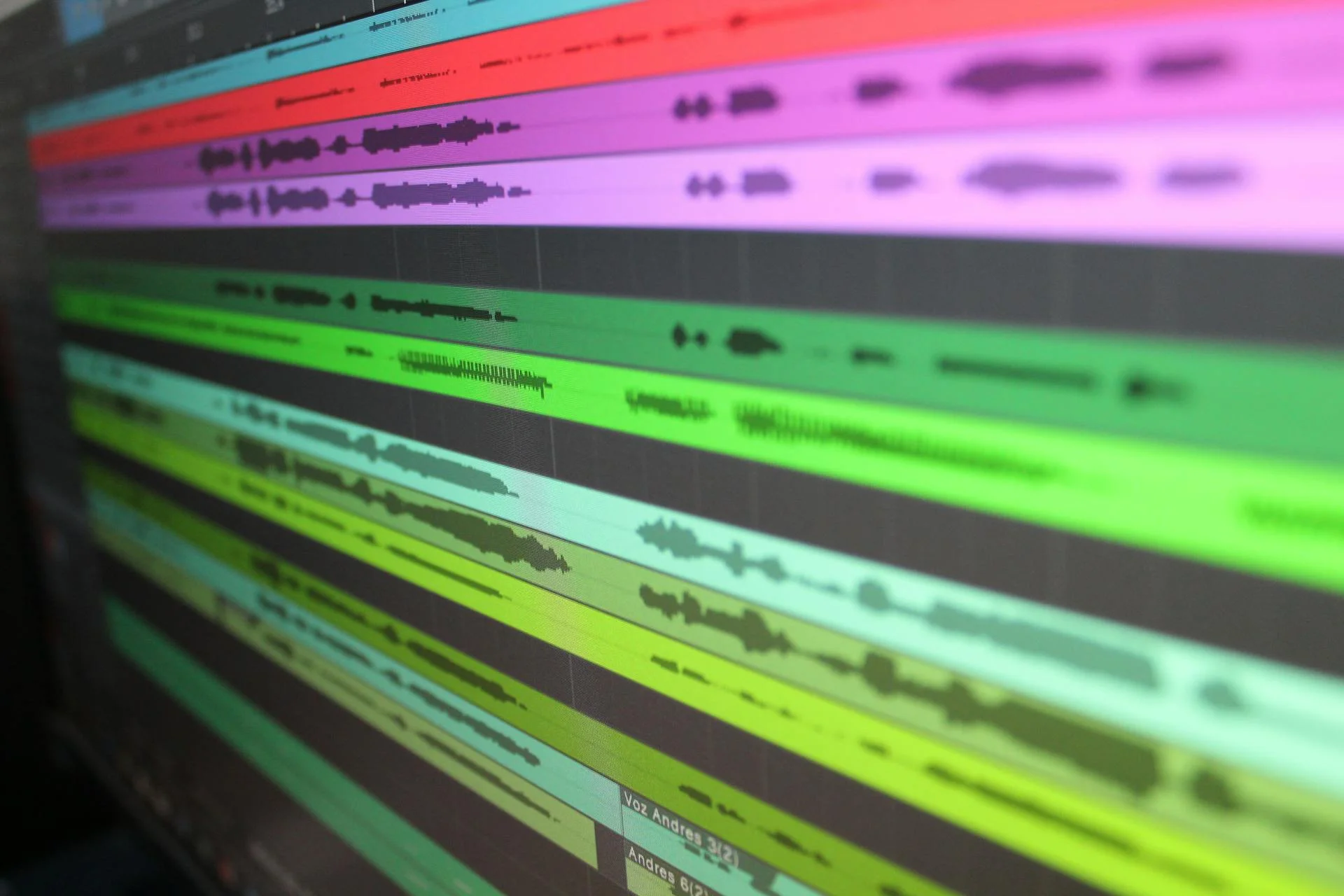
AI-Driven Song Generation
Where classic Boomy leans on preset styles, our engine understands natural-language prompts. Ask for lo-fi bedroom pop, cinematic orchestral hip-hop, or upbeat reggaeton, and the model adapts structure, tempo, and instrumentation to match. Every track is original, so you avoid the repetitive templates simple tools often produce.
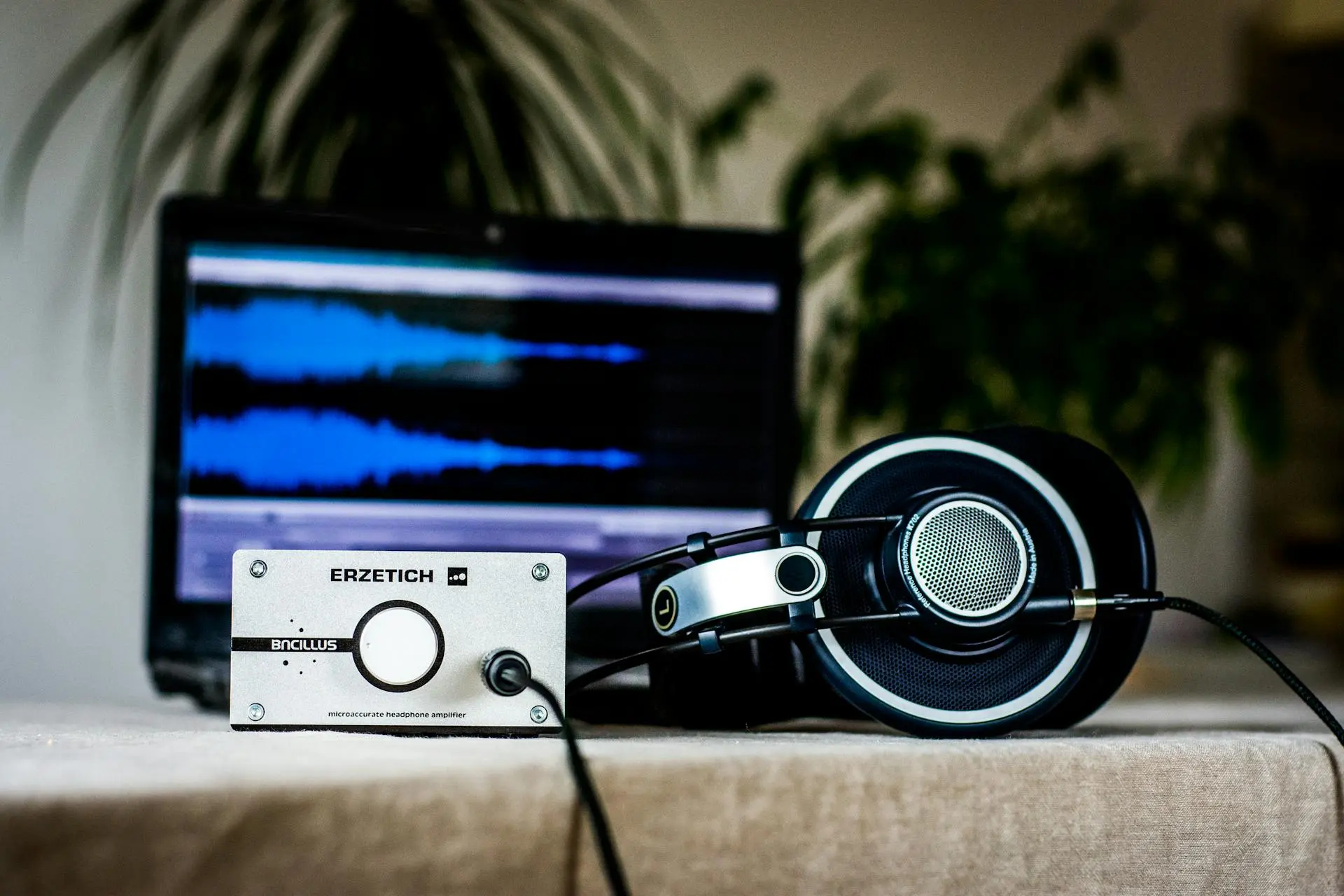
Advanced Customization & Editing
Boomy users often hit a wall when a generated song is almost right. Here you can regenerate individual sections, switch models for a different flavor, tweak prompts for finer control, and iterate until the track fits your vision - no timeline editing or DAW skills required, everything happens in the browser.

Custom & AI-Generated Vocals
Like Boomy's vocal features, you can add AI-generated vocals in any style, or paste your own lyrics and let the model sing them with realistic phrasing. Choose genres, moods, and voice character, then preview instantly. When the song clicks, download it and release it anywhere you like.

Generate Professional Music with Boomy in 3 Simple Steps
The same simple workflow that made Boomy popular - select a style, customize with vocals, and release your music - rebuilt with a more powerful AI engine.
Step 1: Select Style & Generate
Choose a genre or describe your idea in plain words. The AI generates a complete original song in seconds - chords, melody, arrangement, and mix included. Don't like the first take? Regenerate with one click until it hits the mark.
Step 2: Customize & Add Vocals
Paste your own lyrics for a personal touch, or let the AI write and sing them for you. Adjust the vocal style, mood, and model to shape the sound, then fine-tune the prompt until every section lands exactly how you imagined.
Step 3: Release & Monetize Music
Download your finished track and distribute it to streaming platforms, use it in videos and games, or share it with your audience. The music you create is yours to use - no studio, no contracts, no gatekeepers.
Frequently Asked Questions
What can I do with the music I create on Boomy? Do I own the rights?
On Boomy, ownership depends on your subscription tier, and some uses require sharing revenue. With this generator, the tracks you create are yours to use for videos, games, streaming releases, and client work. Always keep your generation records, and check each platform's distribution rules before monetizing a song.
Is Boomy free to use?
Boomy offers a limited free tier and paid plans for more saves and features. This Boomy-style AI music generator is free to start as well: you can generate songs and add vocals without a credit card, and upgrade only if you need higher limits or commercial-grade downloads.
Do I need any music production experience to use Boomy?
No. Tools like Boomy were built exactly for people with zero production experience. You type a prompt or pick a style, and the AI handles composition, arrangement, and mixing. If you can describe the song you want in a sentence, you can create it - no instruments, software, or theory required.
How much can I customize my song after it's generated?
You can regenerate the track with an adjusted prompt, switch between AI models for different sounds, change styles and moods, and rewrite or replace vocals. While you won't edit individual MIDI notes like in a DAW, prompt-level control lets you steer structure, energy, instrumentation, and vocal character until the song fits.
How do the AI-generated vocals work?
The model synthesizes a realistic vocal performance from your lyrics. Pick a genre or mood, paste your own words or let the AI write them, and the engine handles melody, phrasing, and delivery. You can preview instantly, then regenerate with a different vocal style until the performance matches your track.
Ready to create your own original music?
Skip the learning curve and make release-ready songs in minutes. Describe your idea, add vocals if you like, and download your track - no experience needed. Start generating your first song for free.