Free Loudly AI Music Generator
Looking for a Loudly alternative that generates full songs in seconds? Try this free Loudly AI music generator - type a prompt or add your own lyrics, pick a style, and create release-ready tracks online without any experience.
AI Music Generator
0/500
Your music will appear here
Enter a description and click Generate to create AI music.
Loudly AI Music Generator
Loudly built its name on AI music generation: pick tags for genre, mood, and theme, and the platform composes a matching track in seconds. This generator follows the same effortless philosophy - describe the vibe you want, and the AI delivers a complete song with melody, arrangement, and production, free to start.
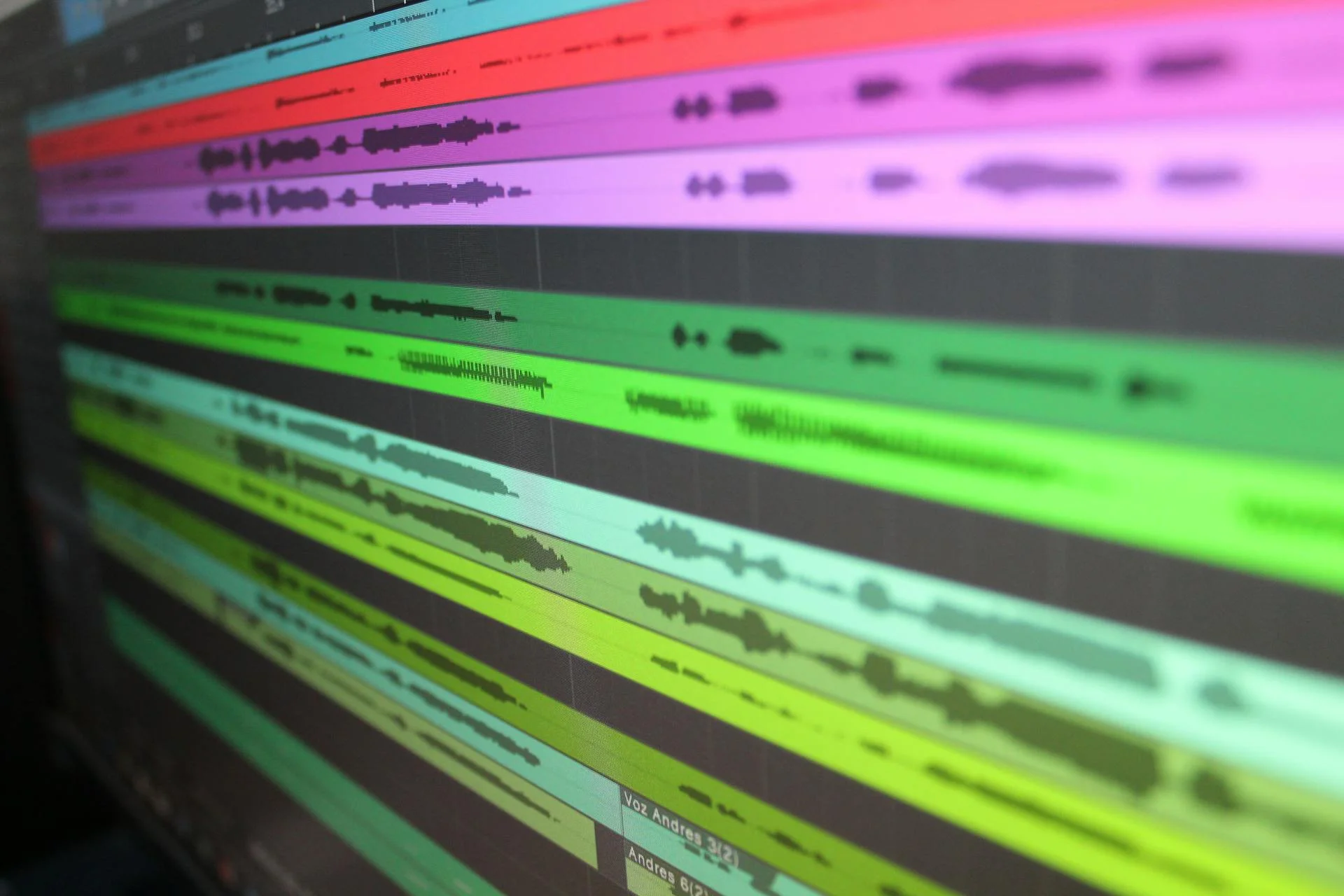
AI Text-to-Music Functionality
Beyond tag selection, modern AI music tools turn plain-language descriptions into fully produced songs. Ask for lo-fi study beats, cinematic trailer music, or upbeat pop with vocals, and the engine adapts structure, tempo, and instrumentation to match - every track original, never recycled from a fixed loop library.
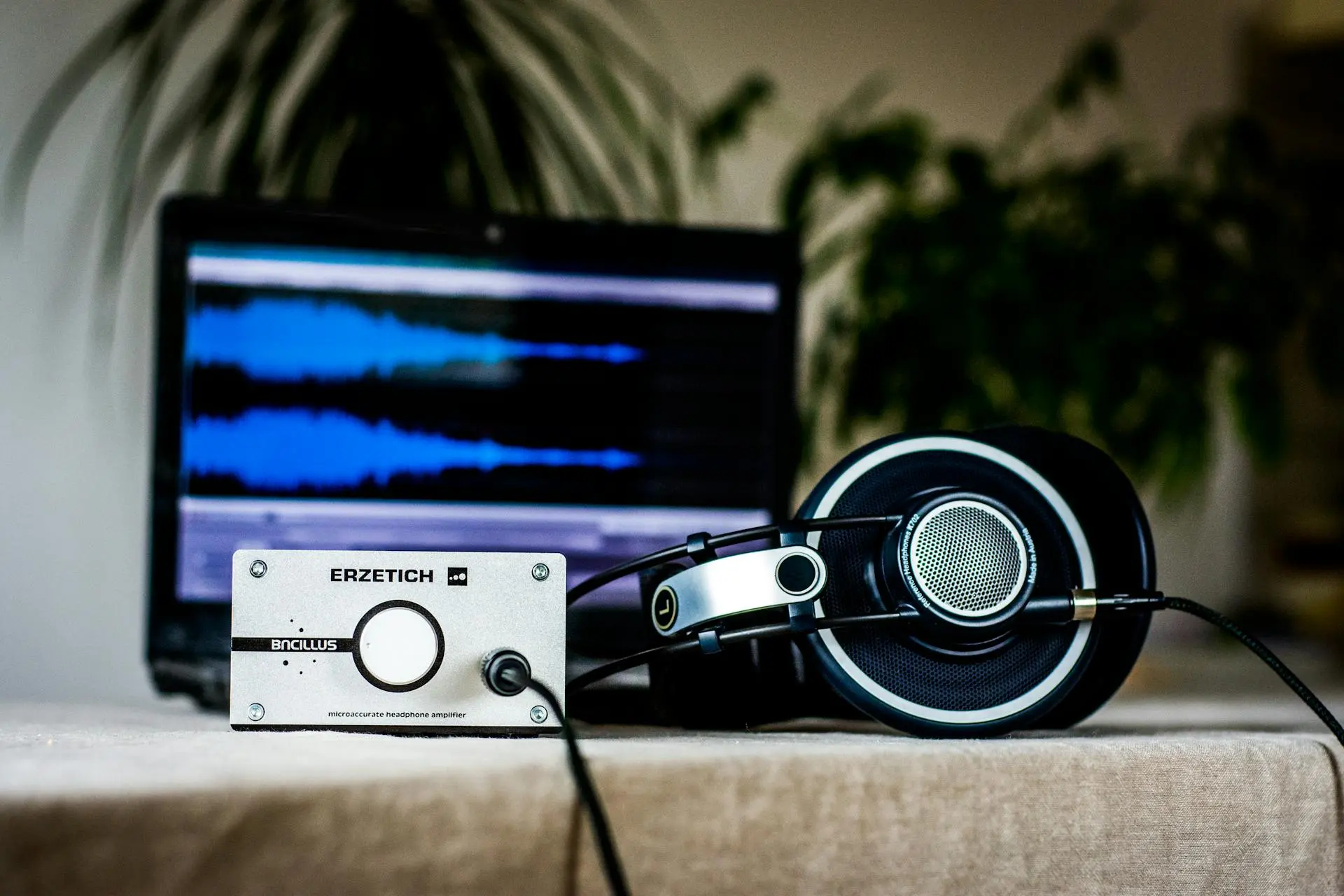
Stem Splitter & Music Extraction
One of Loudly's signature tools is its Stem Splitter: upload a finished song and pull it apart into vocals, drums, bass, and other instruments for remixing or sampling. Pair that capability with fresh AI-generated tracks and you can rebuild, remix, and restyle any song directly in your browser - no DAW required.

Editable Royalty-Free Music Library
Loudly's royalty-free library lets creators browse pre-made tracks by genre and mood, then adjust length, structure, and energy before downloading. Whether you start from a library track or generate a new song from scratch, every export is cleared for use in videos, games, podcasts, and commercial projects.

How to Make AI Music with Loudly: Easy 3 steps!
The same simple workflow that made Loudly popular - select a style, refine your track, and download release-ready music - rebuilt on a more powerful AI engine.
Step 1: Generate Your Song Draft
Pick a genre, mood, and theme - or simply type a prompt describing the song you hear in your head. The AI generates a complete original draft in seconds: chords, melody, arrangement, and mix included. Not perfect yet? Regenerate with one click until it hits the mark.
Step 2: Customize and Refine Your Track
Paste your own lyrics and let the model sing them with realistic phrasing, or adjust vocals, energy, and structure until every section lands exactly how you imagined. Prompt-level controls make fine-tuning fast - no timeline editing or music theory required.
Step 3: Download and Use Your Music
Export your finished track as MP3 or WAV and use it anywhere: YouTube videos, podcasts, games, ads, or streaming releases. Every song you generate is royalty-free, so you can publish and monetize without worrying about copyright claims.
Frequently Asked Questions
What does "100% Royalty-Free" actually mean for my projects?
It means you can use the music you generate in monetized videos, games, podcasts, and client work without paying ongoing royalties or risking copyright strikes. You keep the rights to distribute the tracks you create. Keep your generation records, and check each platform's distribution rules before a commercial release.
Is Loudly free to use?
Loudly offers a limited free tier alongside paid subscriptions for more downloads and advanced features. This Loudly-style AI music generator is also free to start: generate full songs and add vocals without a credit card, and upgrade only if you need higher limits or commercial-grade exports.
How does the Stem Splitter work? Can I upload my own music?
Yes. A stem splitter takes any uploaded audio and uses AI source separation to extract vocals, drums, bass, and other instruments into individual tracks. You can then remix, sample, or remove elements - for example, create a karaoke version by dropping the vocal stem. Processing happens in the cloud within minutes.
Do I need music theory knowledge to create good songs?
No. Tools like Loudly were built exactly for creators with zero music theory background. You pick tags or describe a vibe in plain words, and the AI handles composition, arrangement, and mixing. If you can describe the song you want in a sentence, you can create it - no instruments or software skills needed.
What file formats can I export my music in?
Standard exports are MP3 for quick sharing and WAV for production-grade quality. Stems can be downloaded as separate audio files for use in a DAW. That covers most creator needs: social videos, podcasts, game soundtracks, and streaming distribution all work with these formats.
Ready to bring your musical ideas to life?
Skip the tag-hunting and make release-ready songs in minutes. Describe your idea, add vocals if you like, and download your royalty-free track - no experience needed. Start generating your first song for free.